
 Christoper Macaranas
Most guides start with a big keyword list. This one starts with the pages you already have, because that is where small sites find the quickest wins.
What a keyword map does
A keyword map is a simple table. Each row is one page. Each page gets one focus keyword, a few related terms and a search intent. When you plan a new article, you check the map first. If a page already serves that search, you improve it instead of writing a new one.
This matters for three reasons:
- Clear signals. Search engines can tell which page answers which question.
- Less overlap. Two thin pages on the same topic rarely beat one strong page.
- Better planning. Gaps in the map become your content calendar.
A good map also supports your titles, headings and internal links. Our guide to on-page SEO optimization shows how to use the focus keyword once a page has one.
Start with the pages you already have
Good keyword mapping starts with an inventory. Before you research new terms, list every page that can bring in search traffic. Include service pages, blog posts, location pages and key landing pages. Skip legal pages and thank-you pages.
For each page, note:
- the URL
- the current title tag and H1
- the main topic in a few words
- the queries it already gets clicks or impressions for
You can find that last item in Google Search Console. Open Performance > Search results, filter by page, and look at the Queries tab. The list shows what Google already associates with each page. Often a page ranks for a term you did not plan, and that term is a better fit than the one you chose.
Pages with no impressions at all after several months need a closer look. The topic may be too narrow, or another page on your site may be taking its place.
Group keywords by search intent
Now collect the terms you want to target. Use your Search Console data, your services, the questions customers ask and a keyword tool if you have one. Then group the terms by what the searcher wants.
The usual intent types are:
| Intent | What the searcher wants | Best page type |
|---|---|---|
| Informational | To learn or understand | Guide or blog post |
| Commercial | To compare options | Comparison or review |
| Transactional | To hire or buy | Service or product page |
| Local | A provider nearby | Location or contact page |
Terms that share an intent and would be answered by the same page belong in one group. “How to fix slow WordPress site” and “speed up WordPress” usually belong together. “WordPress speed optimization service” does not. That searcher wants to hire someone, so it belongs on a service page.
A quick test helps. Search both terms and compare the first page of results. If the same kinds of pages appear for both, one page can usually serve them.
Build your keyword map
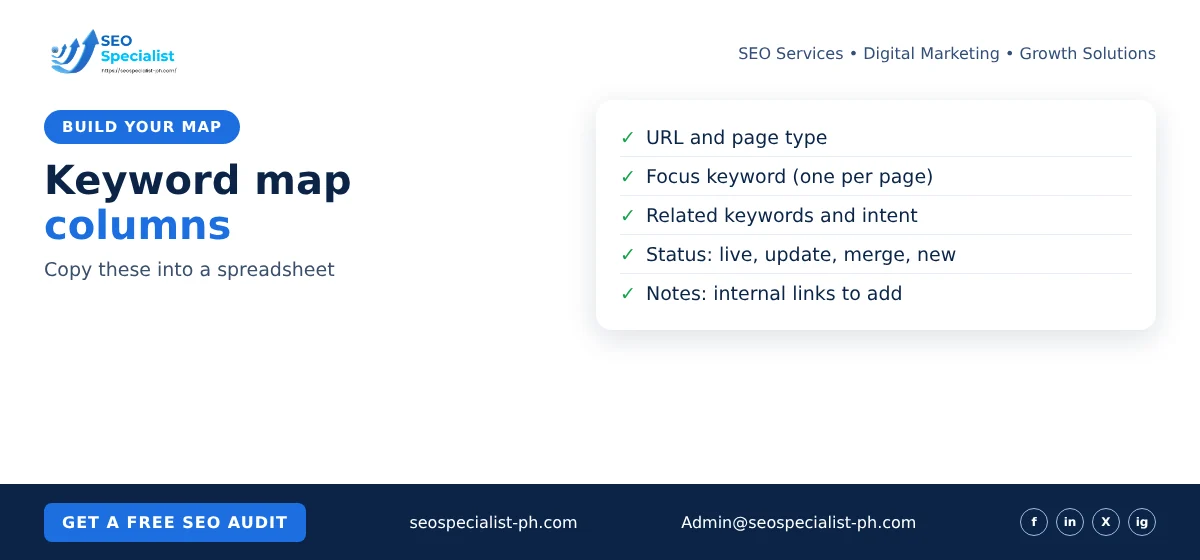
Open a spreadsheet and create these columns:
- URL (or “new page” for planned content)
- Page type (service, guide, location, category)
- Focus keyword (one per page)
- Related keywords (two to five)
- Search intent
- Status (live, update, merge, new)
- Notes (for example, internal links to add)
Fill in your existing pages first. Give each one the focus keyword that best fits its current content and its Search Console queries. Then add your keyword groups. Each group either matches an existing page or becomes a new row marked “new”.
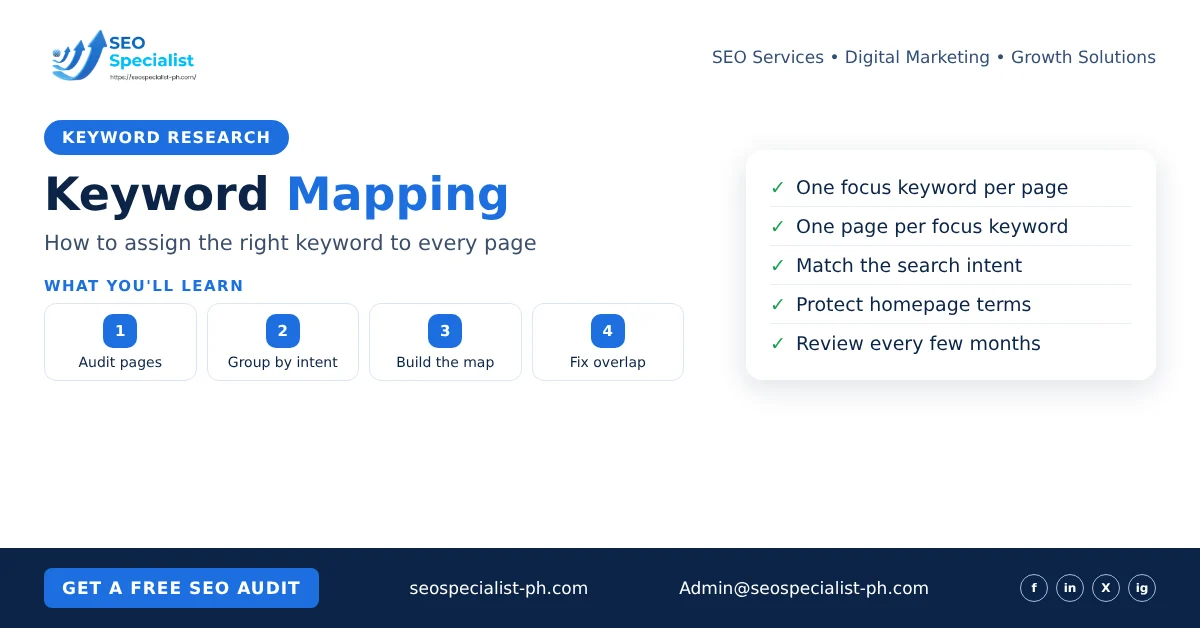
Keep one rule firm: one focus keyword per page, and one page per focus keyword. A child page should not reuse its parent’s term. For example, a guide on Core Web Vitals for WordPress should not target the same phrase as your main technical SEO page.
Also protect your homepage terms. If your homepage targets your main service and city, do not give that phrase to a blog post.
Find and fix keyword cannibalisation
Keyword cannibalisation happens when two or more of your pages target the same search with the same intent. Search engines then have to pick between them, and the signals get split.
You can check for it for free in Search Console. Open Performance > Search results, click a query and switch to the Pages tab. If several of your URLs get impressions for the same query, compare them. Having more than one page rank is not always a problem. It matters when the pages serve the same intent. Source: Semrush.
When you find a real overlap, choose one of these fixes:
- Merge and redirect. Pick the stronger page, move the useful content from the weaker one into it, and add a 301 redirect. Update internal links and remove the old URL from your sitemap.
- Differentiate. Give each page its own angle and focus keyword. Rewrite the title, H1 and intro to match.
- Canonical. Use it for near-duplicate pages you must keep, such as filtered versions of a page.
- Internal links. Point links with descriptive anchors to the page you want to rank.
Google treats redirects and rel="canonical" as strong signals for the preferred URL. It also warns against using robots.txt to choose a canonical. Source: Google Search Central.
Merging pages changes URLs. Plan it carefully, keep the redirects in place, and check the results in Search Console in the weeks after.
Keep the map up to date
Treat keyword mapping as an ongoing habit, not a one-time project. Update it when you:
- publish a new page or post
- merge, delete or redirect a page
- change a service or open a new location
- see new queries appear in Search Console
Review the whole map every few months. Look for pages that lost impressions, new queries without a matching page, and pages that drifted away from their focus keyword after edits.
Before anyone writes a new article, check the map. This one habit stops most duplicate content before it starts.
Common keyword mapping mistakes
These problems come up often on small business sites:
- Choosing terms nobody searches. Check that the focus keyword is a phrase people actually type.
- Splitting one need into many pages. Five short posts on close variations of one question usually do worse than one complete guide.
- Ignoring intent. A service page will struggle to rank for a “how to” query, and a blog post will struggle for “hire” queries.
- Forgetting old content. Older posts often overlap with new ones. Map them, then update or merge.
- Mapping once and never again. Search behaviour and your own site both change.
For a wider view of the process, the Search Engine Journal beginner’s guide covers the research side in more depth.
FAQ
How many keywords should one page target?
One focus keyword, plus a few close variants and related terms. The related terms can shape your subheadings and FAQ questions.
Is keyword mapping only for new websites?
No. Existing sites often gain the most, because the map shows overlapping pages and pages with no clear target.
Do I need a paid tool?
Not to start. A spreadsheet and Search Console are enough for a small site. A keyword tool helps when you plan many new pages and need search volume data.
If you would rather have an expert build the map with you, SEO Specialist PH can help. Our SEO content writing services turn the gaps into pages, or you can book an SEO consultation to review your site first.
