
 Christoper Macaranas
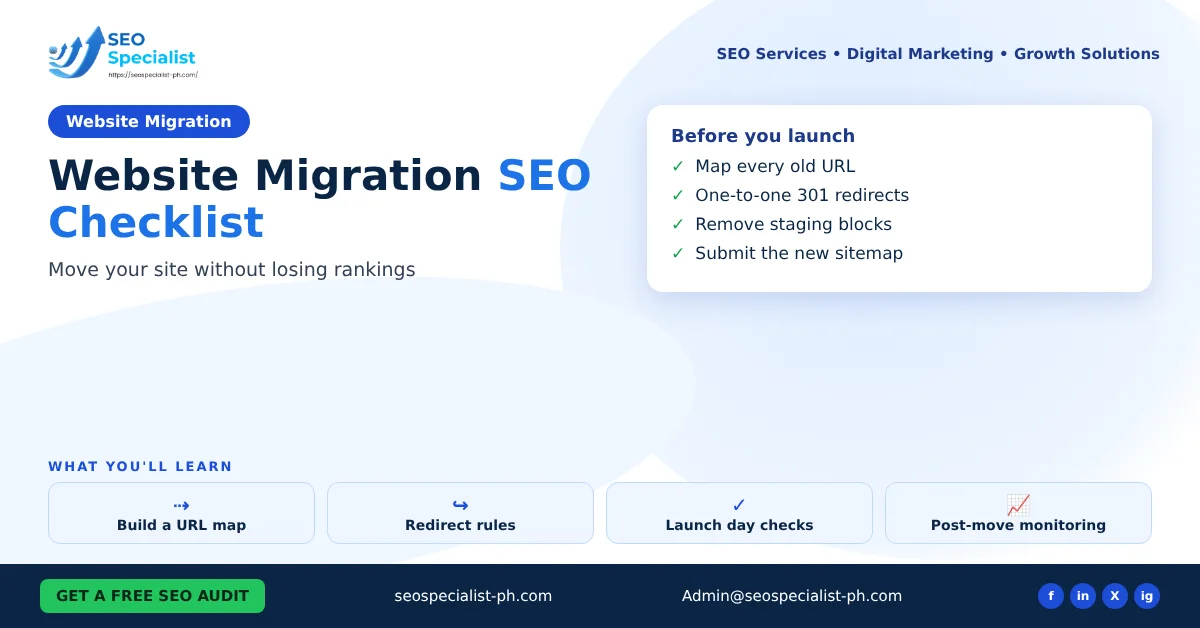
When a website migration affects SEO
Not every change is a migration in the SEO sense. What matters is whether URLs change.
These changes move URLs and need the full checklist:
- Moving from HTTP to HTTPS
- Changing your domain name, for example a rebrand
- Changing the URL structure, such as adding a category folder to blog posts
- Merging two websites into one
These changes usually keep URLs the same:
- A new theme or design on the same URLs
- Moving to a new host with the same domain
A redesign on the same URLs still deserves a check of titles, headings, internal links and page speed. But it does not need a redirect plan.
Google’s guide to moving a site with URL changes gives one rule that small businesses often skip. Change one thing at a time. If you change the domain and the URL structure in the same week, you cannot tell which change caused a drop.
Before the move: crawl and map every URL
The URL map is the core of any migration. It lists every old URL and the new URL it will point to.
- Collect old URLs. Pull them from your XML sitemap, Google Search Console, Google Analytics, your CMS and a crawl of the live site. Google also suggests server logs. Include images and PDFs that get traffic or links.
- Note what matters most. Add clicks, impressions and backlinks for each URL so you know which pages to test first.
- Match each old URL to the closest new page. Keep the topic the same. Do not send many pages to the homepage. Google advises against redirecting many old pages to an irrelevant page.
- Decide what to drop. Content you are not carrying over should return a 404 or 410.
- Build and test the new site first. Staging sites are often blocked with robots.txt or noindex. Write down which settings must change on launch day.
Save a full crawl of the old site, including titles, meta descriptions and canonical tags. You will need it to compare after launch.
Redirects: rules that protect rankings
Redirects tell Google and visitors where each page has moved.
- Use server-side permanent redirects. Google recommends 301 or 308 redirects. Avoid JavaScript or meta refresh redirects unless there is no other option.
- Redirect one to one. Each old URL should go to its closest match, not to a generic page.
- Avoid chains. Point old URLs straight to the final URL. Google says to keep any chain short, ideally no more than three hops.
- Keep redirects for at least one year. Google suggests keeping them as long as possible for visitors who still use old links.
- Update old redirects too. If an old URL already redirected somewhere, point it to the new final URL.
On WordPress, redirects can live in the server configuration or in a redirect plugin. For large sites, server rules are usually faster. Our WordPress development services team can set these up if your host does not.
Launch day checks
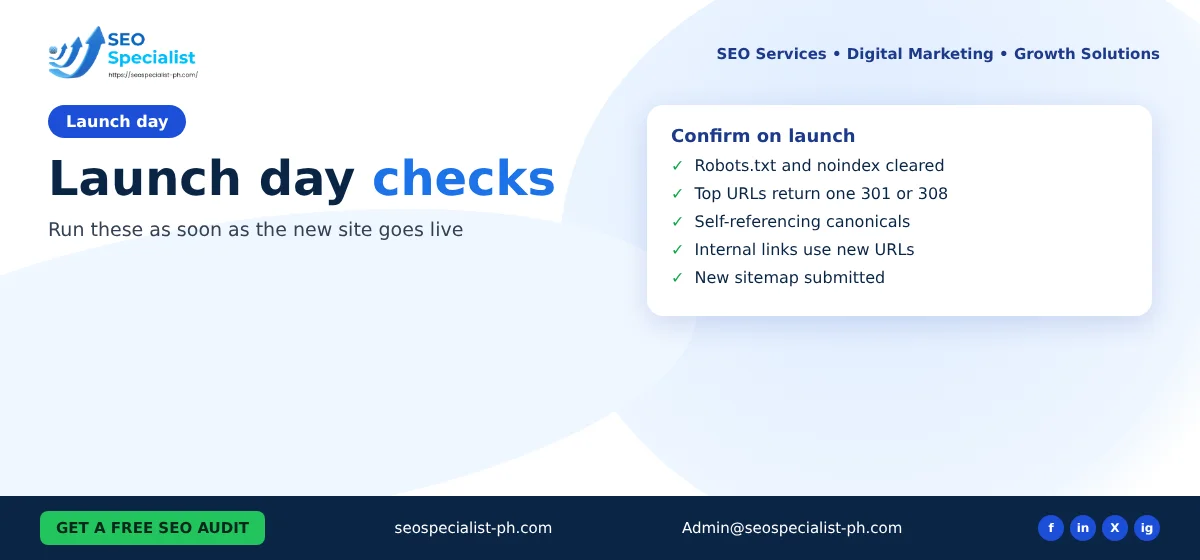
Work through this list as soon as the new site goes live.
| Check | What to confirm |
|---|---|
| Robots.txt | Staging blocks are removed; only pages you want hidden are blocked |
| Noindex | No important page still carries a noindex tag |
| Redirects | Test a sample of top URLs; each returns one 301 or 308 to the right page |
| Canonicals | Each new page has a self-referencing canonical tag on the new URL |
| Internal links | Menus, footers and body links point to new URLs, not redirects |
| Hreflang | Language tags use the new URLs, if you have them |
| Sitemap | A new XML sitemap lists only the new URLs |
| Analytics | Tracking codes still fire on the new pages |
Then submit the new sitemap in Search Console. If you changed domains, use the Change of Address tool on the old property. Google notes this tool is only for domain or subdomain changes, not for HTTP to HTTPS moves or path changes on the same domain. Make sure both the old and new properties are verified first.
After the move: monitor in Search Console
Google says rankings can fluctuate during a move. A medium-sized site can take a few weeks or more for most pages to show their new URLs. Use that time to watch closely rather than make new changes.
Check these every few days for the first month:
- Pages report. Look for new 404 errors, soft 404s and pages marked noindex.
- Sitemaps report. Warnings about redirects in an old sitemap are expected. Errors in the new sitemap are not.
- Performance report. Compare clicks and impressions for your top pages against the weeks before launch.
- Server logs or crawl data. Confirm Googlebot is crawling the new URLs and not hitting errors.
Also update links you control outside the site. Change your Google Business Profile, social profiles, email signatures and ad links to the new URLs. Ask partners who link to you to update their links where it matters most.
Use this website migration SEO checklist again after four to six weeks. Re-crawl the new site and compare it with your saved crawl of the old one. Missing titles, lost pages and broken links usually show up here. Our guide to technical SEO optimization covers the crawl checks in more depth.
Common migration mistakes
Most traffic losses after a move come from a short list of avoidable errors:
- Leaving the staging noindex tag or robots.txt block in place
- Redirecting every old page to the homepage
- Changing domain, design and content in one launch
- Forgetting old image and PDF URLs that earned links
- Removing redirects after a few months
- Leaving internal links pointing to old URLs, which creates extra redirect hops
- Skipping the post-launch comparison against the old crawl
FAQ
How long does it take to recover rankings after a migration?
Google says a medium-sized site can take a few weeks or more for most pages to move over, and larger sites take longer. A well-planned move with clean redirects usually settles faster than a rushed one.
Do 301 redirects lose link value?
Google’s site move guide says you do not need to worry about losing link value when you use permanent redirects.
Do I need the Change of Address tool for an HTTPS move?
No. Google says it is only for domain or subdomain changes.
Can I use this website migration SEO checklist for a redesign?
Yes, but you can skip the redirect steps if every URL stays the same. Still run the launch day checks for robots.txt, noindex, canonicals and tracking.
Planning a move and want a second pair of eyes on the URL map? SEO Specialist PH reviews migration plans for small businesses. You can book an SEO consultation before you launch.
