
 Christoper Macaranas
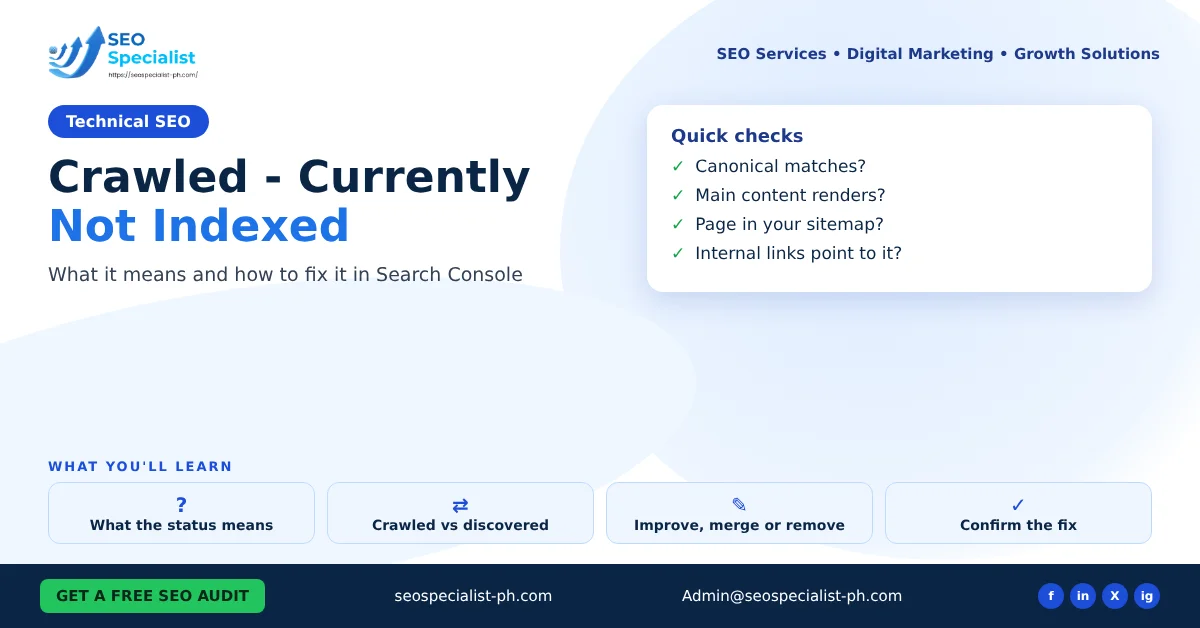
This guide explains what the status means, how it differs from similar reasons, and how to decide what to do with each affected page. It is written for small business owners and marketers who check their own Search Console account.
What crawled currently not indexed means
Google’s Page indexing report help page describes this status in a few words. Google crawled the page but has not indexed it. It may index the page later. Google also says there is no need to resubmit the URL for crawling.
So the page is reachable. Googlebot fetched it without an error. The decision not to index it was made after the crawl. That usually points to the page itself rather than to your server.
Google does not give a reason for each URL. Common patterns worth checking include:
- Thin content that adds little beyond other pages on the site
- Near-duplicate pages, such as tag archives, filtered views or printer versions
- Pages with few or no internal links pointing to them
- New pages that Google has not yet re-evaluated
Treat these as things to check, not as confirmed causes.
Crawled vs discovered: the difference
The two statuses look alike, but they sit at different stages.
Discovered – currently not indexed means Google knows the URL exists but has not crawled it yet. Google’s help page says it often delays the crawl so it does not overload the site. Here the question is crawling: internal links, sitemaps and server speed matter most.
Crawled – currently not indexed means the crawl already happened. Here the question is value: is this page worth a place in the index?
If many important URLs sit in the discovered group, look at how easy they are to reach. If they sit in the crawled group, look at the pages themselves.
Other reasons in the Page indexing report
The same report lists other reasons a page is not indexed. Several are normal and need no action. Knowing them stops you from chasing the wrong fix.
| Reason in the report | What it means | Usual action |
|---|---|---|
| Duplicate without user-selected canonical | Google picked another page as the main version | Add a canonical if you prefer a different page |
| Duplicate, Google chose different canonical than user | Google ignored your canonical | Check that the two pages really match |
| URL marked noindex | A noindex tag or header blocks the page | Remove it only if the page should rank |
| URL blocked by robots.txt | Google may not crawl the page | Unblock it if the page should rank |
| Soft 404 | The page looks empty or missing but returns 200 | Return a real 404 or add real content |
| Page with redirect | The URL redirects elsewhere | Usually none |
| Alternate page with proper canonical tag | An alternate version points to the right page | None |
Google states plainly that you should not expect every URL on a site to be indexed. The goal is to get the main version of each important page indexed.
How to diagnose the affected pages
Start with a list, not a guess.
1. Open Indexing > Pages in Search Console and click the crawled status. 2. Export the example URLs to a sheet. 3. Sort them by type: blog posts, service pages, tag or category archives, URLs with parameters, and media pages. 4. Mark which ones you actually want in search. Many will be archive or parameter URLs that should never rank.
For each page you want indexed, run it through the URL Inspection tool. Check three things:
- Is the user-declared canonical the same as the Google-selected one?
- Does the live test render the main content?
- Is the page in your XML sitemap?
Then look at the page as a reader would. Ask whether it answers a question better than other pages on your site. Ask whether another page already covers the same topic. If you want a quick first pass across the site, our free SEO audit tool flags thin pages and missing metadata.
Fixes: improve, merge or remove

Every affected page you care about should get one of three decisions.
Improve the page
Choose this when the page has a clear purpose and no other page covers it. Add the detail a searcher would expect. Answer the main question in the first paragraph. Add useful examples, steps or comparisons. Tighten the title and headings. Our guide to on-page SEO optimization covers these basics.
Then link to the page from related posts and from a relevant hub or service page. A page with no internal links sends a weak signal about its importance.
Merge it into a stronger page
Choose this when two or more pages cover the same topic. Pick the strongest one. Move any unique content into it. Then add a permanent 301 redirect from the weaker URLs to the page you kept. This often clears several crawled URLs at once and makes the remaining page more complete.
Remove it or keep it out of the index
Choose this for pages with no search value. Examples are thin tag archives, internal search results and old test pages. Either delete the page and return a 404 or 410, or add a noindex tag and remove it from the sitemap. Do not block it in robots.txt if you want it removed from the index. Google needs to crawl the page to see the noindex tag.
Cleaning out weak URLs also helps Google focus on the pages that matter. For larger structural problems, see our overview of technical SEO optimization.
How to check that a fix worked
After you improve a page, run URL Inspection again and use Request indexing for that URL. Do this for important pages only, not for every URL in the report.
When you have fixed every example of an issue type, click Validate Fix in the report. Google’s help page says validation typically takes up to about two weeks, and sometimes longer. Do not click it again while it is running.
Keep a simple log with the date, the URL and what you changed. Check the Pages report and the Performance report every two weeks. A page that moves from crawled to indexed and starts earning impressions confirms the fix. A page that stays in the group after a real improvement may need merging instead.
FAQ
Is crawled currently not indexed a penalty?
No. It is a normal indexing decision. A manual action would appear in the Manual actions report, not in the Page indexing report.
Should I keep requesting indexing for the same page?
No. Google says there is no need to resubmit these URLs. Change the page first, then request indexing once.
How many affected pages is too many?
There is no fixed number. Look at the share of your important pages in the group, not the total. Hundreds of archive URLs matter far less than five service pages.
Can a small business site fix this without a developer?
Often, yes. Most fixes are content edits, internal links, canonicals and noindex settings in a WordPress SEO plugin. Redirects and server issues may need technical help.
If you would rather have someone review your Search Console data with you, SEO Specialist PH can help. You can book an SEO consultation to go through your Page indexing report page by page.
