
 Christoper Macaranas
How Google ranks local results
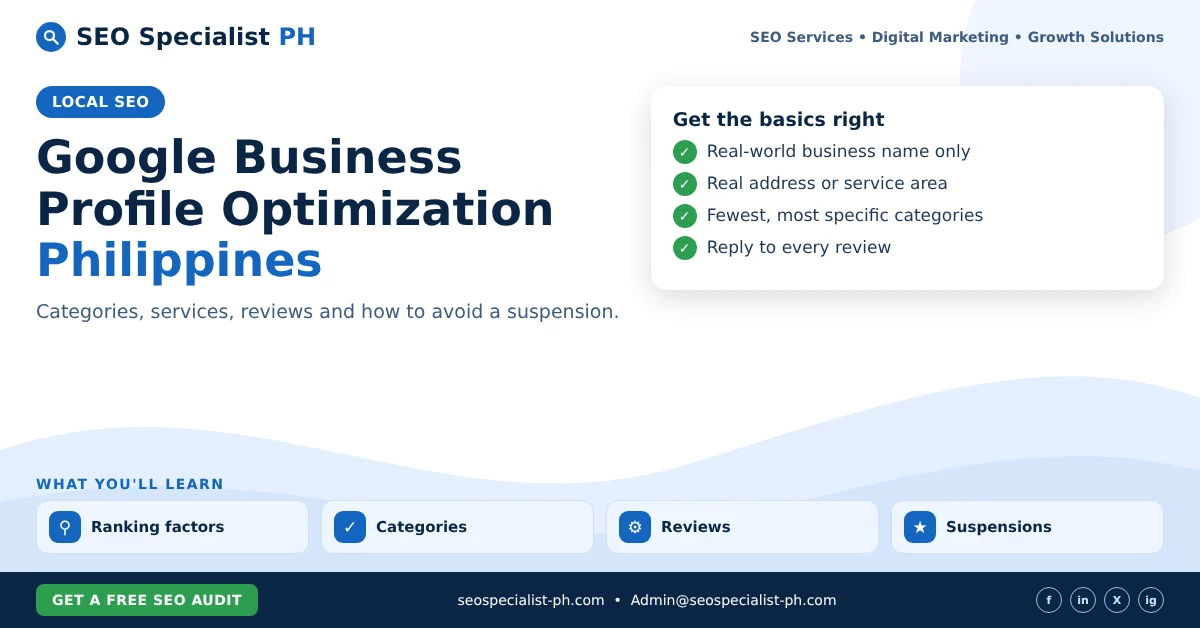
Google’s help page, Tips to improve your local ranking, names three factors:
- Relevance: how well your profile matches what the person searched for.
- Distance: how far your business is from the searcher, or from the location in the search.
- Prominence: how well known your business is. Google mentions links, articles, reviews and ratings as signals.
Google also states that there is no way to request or pay for a better local ranking. So skip anyone who sells “guaranteed top 3 in Maps”. You can control relevance through complete, accurate information. Prominence builds over time. Distance you cannot change.
Google Business Profile optimization in the Philippines: the basics
Business name
Use your real-world name, as it appears on your signage, receipts and storefront. Google’s guidelines for representing your business forbid adding taglines, store codes, hours, phone numbers or URLs to the name. Adding keywords such as “Best Dental Clinic Makati” when your sign says “Santos Dental” is one of the most common reasons for suspension.
Address or service area
The address must be a real location where you meet customers or where staff work. Google does not accept P.O. boxes or mailboxes at remote locations. Virtual offices are not eligible either. Co-working spaces qualify only with permanent signage and staff on site during business hours.
If you visit customers instead, such as aircon cleaning, pest control or home repairs, set up a service-area business. Hide your address and list the cities or areas you serve. Google says the service area should not extend farther than about two hours of driving time from your base.
Phone and website
Use a number that reaches this specific location and that your business controls. Link to the page on your website that represents the location, not a social media page or a third-party booking link that redirects elsewhere.
Hours
List your regular customer-facing hours. Add special hours for holidays so customers are not turned away. This matters in the Philippines, where many businesses change hours around Holy Week and the Christmas season.
Choose categories carefully
Your primary category is one of the strongest relevance signals you control. Google’s rules are simple:
- Use as few categories as possible to describe your core business.
- Choose the most specific option. “Pediatric dentist” is better than “Dentist” if that is what you are.
- Complete the sentence “This business IS a…”, not “This business HAS a…”. A hotel with a restaurant does not add “Restaurant” unless the restaurant is a separate business.
- Never use categories as keywords.
Check which primary category the top competitors in your area use. Then pick the one that truly describes your business.
Add services, products and details
Once the basics are right, fill in the rest of the profile. Google says complete and accurate information helps your profile match relevant searches.
- Services: list each service you offer, using the words customers use. Add short descriptions.
- Products: useful for retailers and restaurants with signature items.
- Attributes: options such as wheelchair access, Wi-Fi or online appointments.
- Description: explain what you do and who you serve. Google does not allow links, prices or promotions in the description.
- Photos and videos: add your storefront, interior, team and work. Real photos help customers recognise you when they arrive.
Build and answer reviews
Reviews feed prominence, and they influence whether people choose you. Google’s tips include responding to reviews to show that you value customer feedback.
- Ask every satisfied customer for a review. A short link or QR code at the counter helps.
- Reply to every review, positive or negative, in a calm and specific tone.
- Never pay for reviews, offer discounts or freebies in exchange for them, or review your own business. Google’s policy on incentivised or biased reviews covers reviews influenced by payment, discounts, free goods or a conflict of interest.
Avoid a suspension
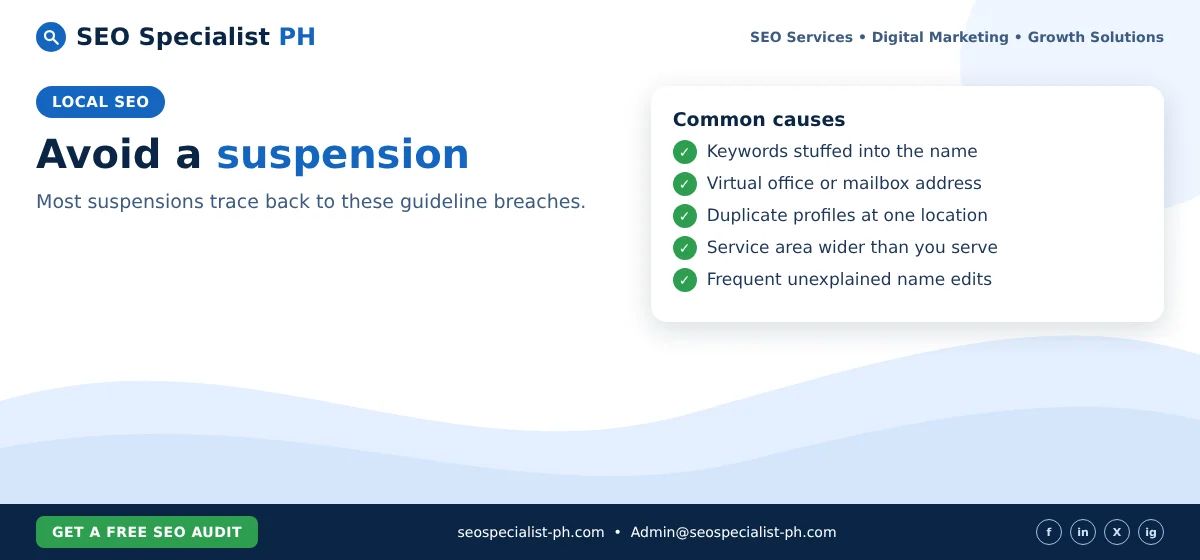
Most suspensions trace back to a handful of guideline breaches:
- Keywords or locations stuffed into the business name.
- A virtual office, mailbox or home address used as a storefront.
- Several profiles for the same business at one location.
- A service area that is far wider than you actually serve.
- Frequent, unexplained edits to the name or address.
Before changing your name or address, make sure the change matches your signage and documents.
What to do if your profile is suspended
Google’s help page on fixing suspended or disabled profiles sets out the process:
- Fix whatever breaks the guidelines first.
- Open the appeals tool, select the profile and the decision, and submit an appeal.
- Attach evidence that the business is real and matches the profile. Google lists a business registration, a business licence, tax certificates and utility bills as examples. In the Philippines, that usually means your DTI or SEC registration, mayor’s permit and BIR certificate of registration.
- Make sure the name and address on every document match your profile.
Google says appeals can only be submitted once, so prepare your evidence before you send it. Do not create a new profile for the same business while you wait. Google warns against this.
A monthly checklist
- Check that the name, address, phone and hours are still correct.
- Add special hours for upcoming holidays.
- Reply to new reviews.
- Add a few new photos of recent work.
- Review the services list against what you actually sell.
Your profile works best alongside a strong website and local content. Read our guide to local SEO for the wider picture, and our affordable SEO services page if you would like help. SEO Specialist PH can review your profile and fix the issues above.
