
 Christoper Macaranas
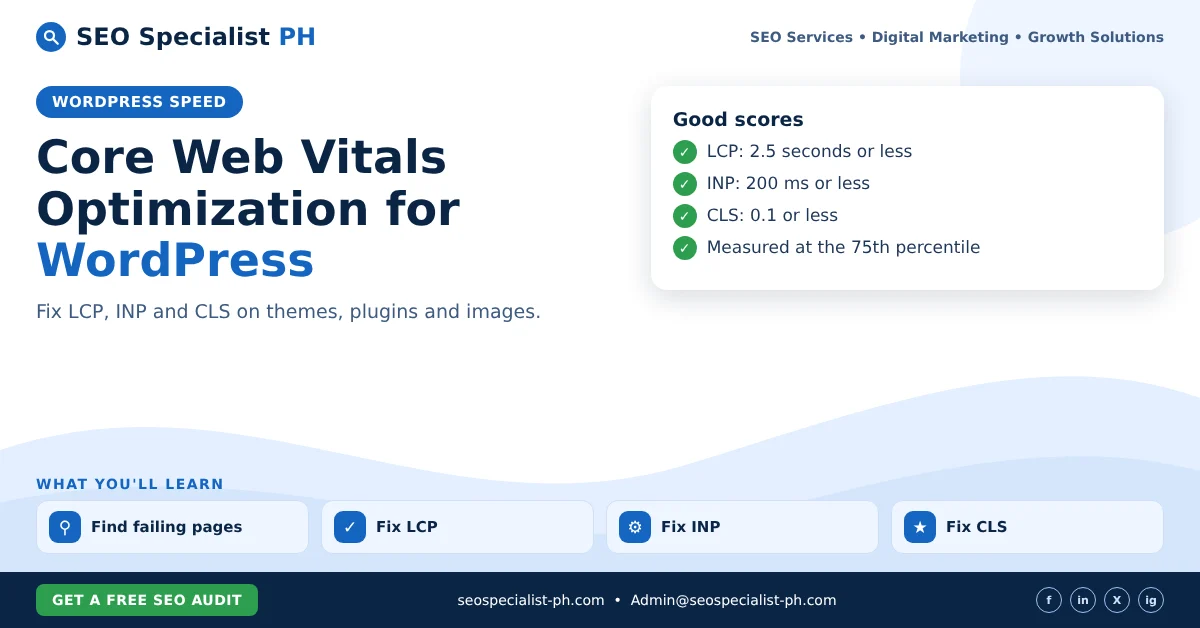
Core Web Vitals targets for WordPress optimization
Google’s Web Vitals guide sets these targets:
| Metric | Measures | Good |
|---|---|---|
| Largest Contentful Paint (LCP) | Loading of the main content | 2.5 seconds or less |
| Interaction to Next Paint (INP) | Response to user input | 200 milliseconds or less |
| Cumulative Layout Shift (CLS) | Visual stability | 0.1 or less |
Google measures these at the 75th percentile of real page loads, split by mobile and desktop. A page passes only when all three metrics meet the target. So a fast desktop score does not help if your mobile visitors have a slow experience.
Do Core Web Vitals affect rankings?
Google’s page on Core Web Vitals and Google Search results says good Core Web Vitals align with what its core ranking systems seek to reward. Google also highly recommends good scores for success with Search. But a passing score does not guarantee top positions. Relevant, helpful content still matters most. Treat speed work as a way to keep visitors who already found you, and to remove a weakness competitors could beat you on.
For a business site, the payoff is often clearer in conversions than in rankings. A form that responds instantly and a page that does not jump while someone taps “Call now” both lose fewer leads.
Find the pages that fail
Start with real-user data, not a single lab test.
- Search Console Core Web Vitals report. It groups similar URLs and rates each group by its worst metric. A group with “Poor” CLS and “Needs improvement” LCP shows as Poor. See Google’s Core Web Vitals report help for details.
- PageSpeed Insights. Enter one URL to see its field data and a lab diagnosis.
- Chrome DevTools. The Performance panel shows which element is the LCP and which interactions are slow.
On WordPress, failing groups usually match a template: all blog posts, all product pages or the homepage. Fix the template and many URLs improve together.
Note that small sites may not have enough traffic for field data. In that case the report may show nothing, and lab tests are your best guide.
Fix LCP on WordPress
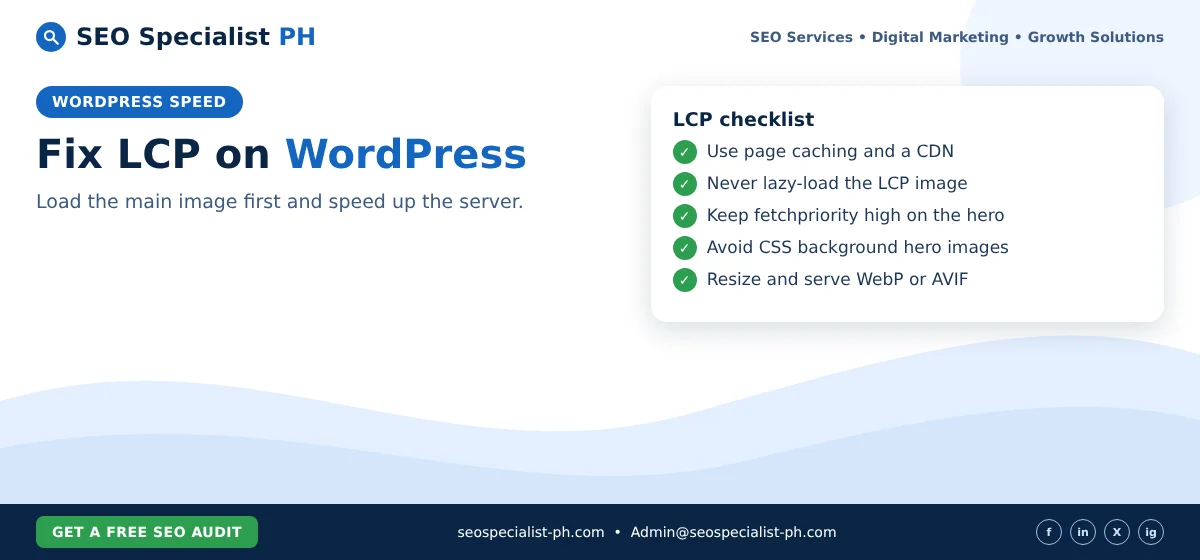
Google’s Optimize LCP guide breaks LCP into four parts: server response time (TTFB), the delay before the main image starts loading, the time it takes to download, and the delay before it renders. Work through them in order.
Speed up the server response
- Use page caching, either from your host or a caching plugin.
- Serve static files through a CDN.
- Remove redirect chains to your main pages.
- Upgrade hosting if TTFB stays high after caching. A slow server makes a 2.5-second LCP very hard to reach.
Load the main image first
The LCP element on most WordPress pages is the featured image, a hero banner or a slider. Google’s advice is clear: never lazy-load your LCP image.
- Since WordPress 6.3, core adds
fetchpriority="high"to the image it judges most likely to be the LCP. It also skips lazy-loading for the first images on the page. See the WordPress 6.3 image performance notes. - Some themes, page builders and optimisation plugins override this. Check the LCP image in DevTools. If it has
loading="lazy", change the plugin setting that excludes above-the-fold images. - If the hero image is set as a CSS background, the browser finds it late. Use a normal image tag or preload it.
- Replace sliders at the top of the page with one static image where you can.
Make the file smaller
Resize images to the size they are shown at and serve modern formats such as WebP or AVIF. A 3,000-pixel photo shown at 800 pixels wastes download time on mobile.
Fix INP on WordPress
INP measures the slowest interactions a visitor has on a page. Google’s Optimize INP guide splits each interaction into input delay, processing time and presentation delay. On WordPress, the main cause is usually too much JavaScript.
- Audit your plugins. Sliders, popups, chat widgets, social feeds and some page builders add heavy scripts to every page. Remove what you do not need.
- Load scripts only where they are used. A contact form script does not need to run on every blog post.
- Delay third-party tags. Analytics, ads and tracking pixels can wait until after the page is interactive.
- Break up long tasks. Developers can yield to the main thread so the browser can respond to input sooner.
- Reduce DOM size. Deeply nested page-builder layouts make every update slower to render.
Fix CLS on WordPress
Layout shifts happen when something loads late and pushes content down. Google’s Optimize CLS guide lists the usual causes.
- Images without dimensions. Make sure images and videos have
widthandheightattributes. WordPress adds them for images inserted through the editor, but some themes and custom blocks remove them. - Ads, embeds and iframes. Reserve space with a fixed
min-heightoraspect-ratiobefore they load. - Banners and notices. Cookie bars and promo strips that push content down cause shifts. Overlay them instead.
- Web fonts. Preload key fonts and choose a fallback font with similar size. Font swaps can move text.
- Animations. Animate
transformrather than properties liketop,leftorheight.
Check and confirm your fixes
- Test the main templates again in PageSpeed Insights.
- In Search Console, open the failing issue and start validation. Google tracks it for 28 days and marks it fixed only if no URL shows the issue in that time.
- Keep an eye on new plugins and theme updates, which often bring regressions.
The ongoing Core Web Vitals optimization WordPress sites need is mostly about keeping plugins and scripts in check.
When to get help
Many LCP and CLS problems can be fixed with settings and image changes. INP problems and slow hosting often need a developer. If your scores stay red after the basics, our technical SEO optimization service covers speed and Core Web Vitals work, and our WordPress development services handle theme and plugin changes. You can also run a quick check with the free SEO audit tool from SEO Specialist PH.
